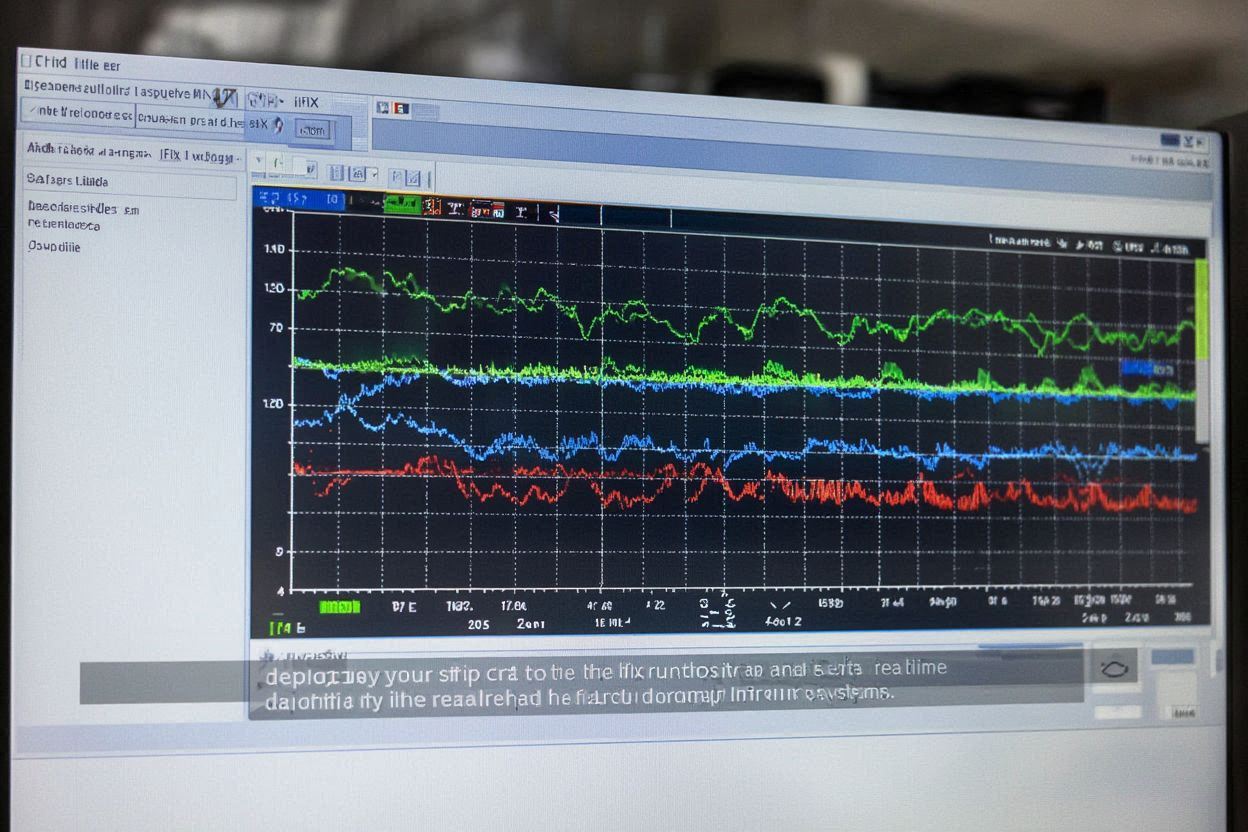
GE Digital's HMI/SCADA platform for process visualization
Learn about iFIX's powerful capabilities for creating industrial strip charts
iFIX by GE Digital is a comprehensive HMI/SCADA platform that provides excellent strip chart capabilities for industrial process visualization. It offers real-time data display with extensive customization options.
Why iFIX is the preferred choice for industrial strip chart applications
Designed specifically for industrial process control with built-in strip chart capabilities optimized for real-time monitoring and process visualization.
Sophisticated trend visualization capabilities with multi-trend displays, historical playback, and real-time data streaming for comprehensive process monitoring.
Wide range of connectivity options with support for various industrial protocols, databases, and third-party systems for seamless data integration.
Powerful scripting capabilities with VBA support, allowing for custom strip chart functionality and advanced data processing for specific industrial needs.
Comprehensive data management with built-in historians, archiving capabilities, and database connectivity for long-term data storage and analysis.
Proven reliability in industrial environments with robust architecture, ensuring consistent operation in harsh conditions and critical applications.
Follow these detailed steps to create industrial strip charts in iFIX
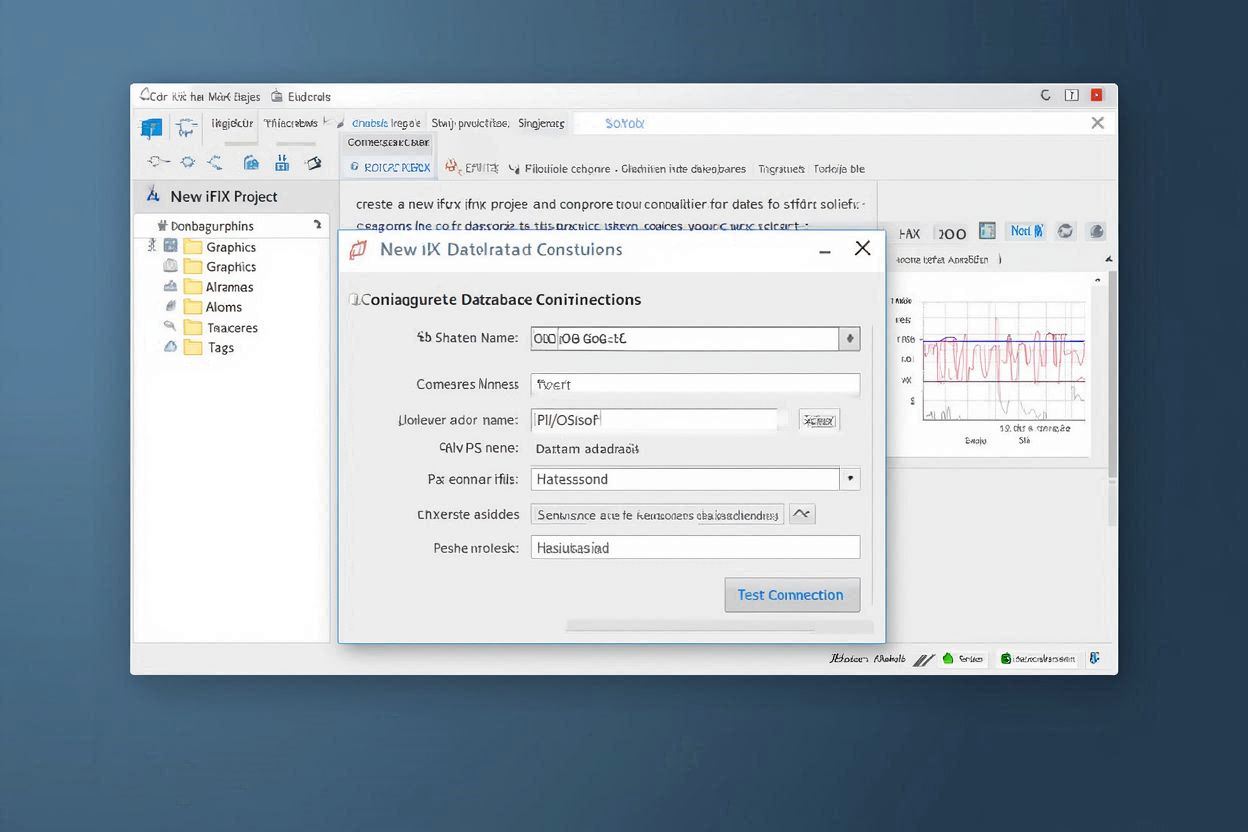
Create a new iFIX project and configure the database connections to your industrial data sources for strip chart visualization.
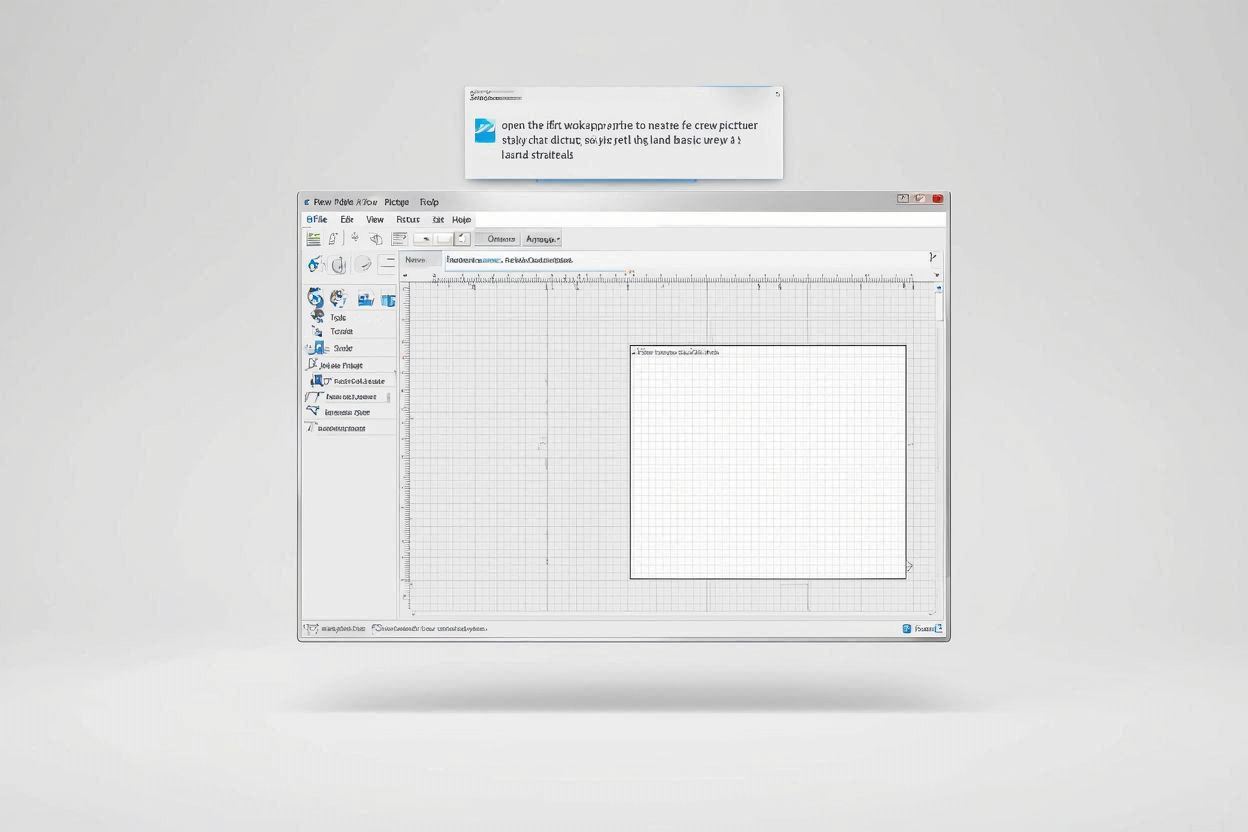
Open the iFIX Workspace and create a new picture for your strip chart display, setting up the basic layout and structure.
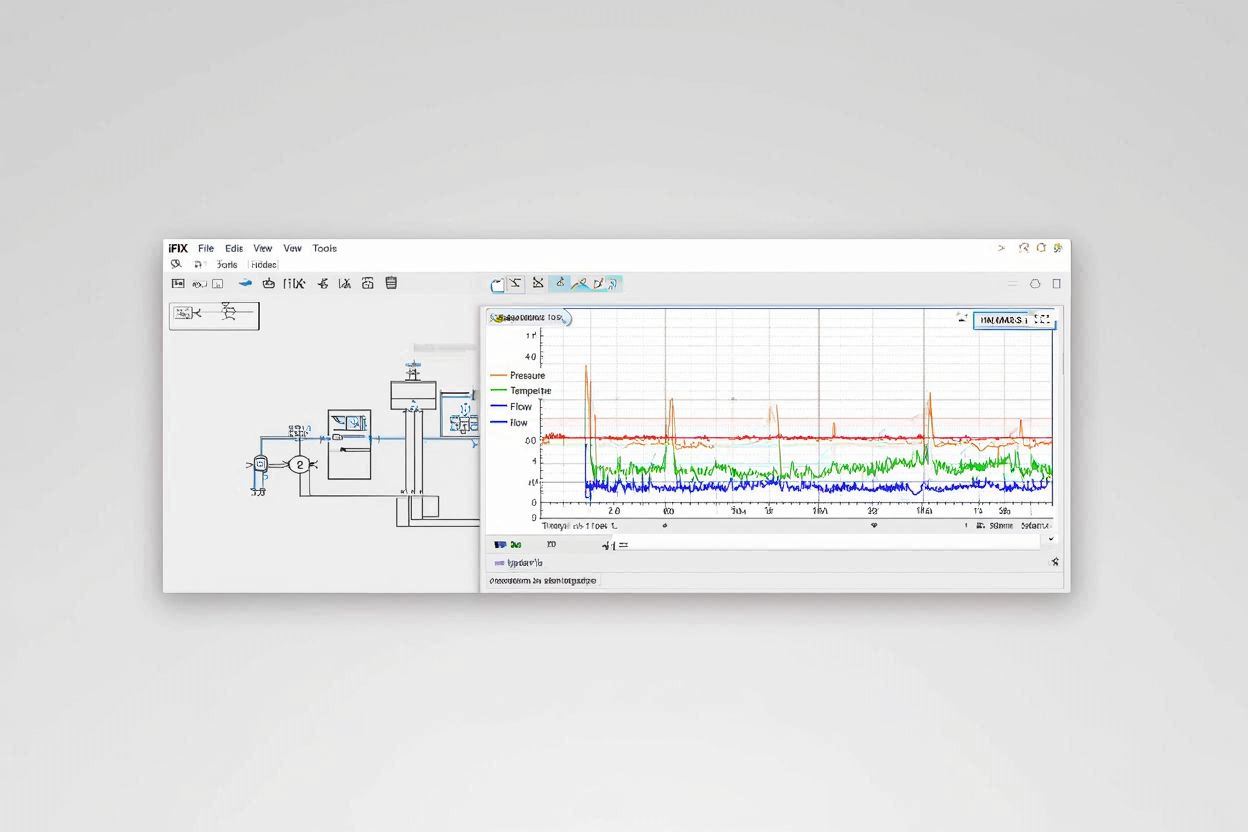
Add a Trend Object to your picture and configure it for strip chart functionality with real-time data display.
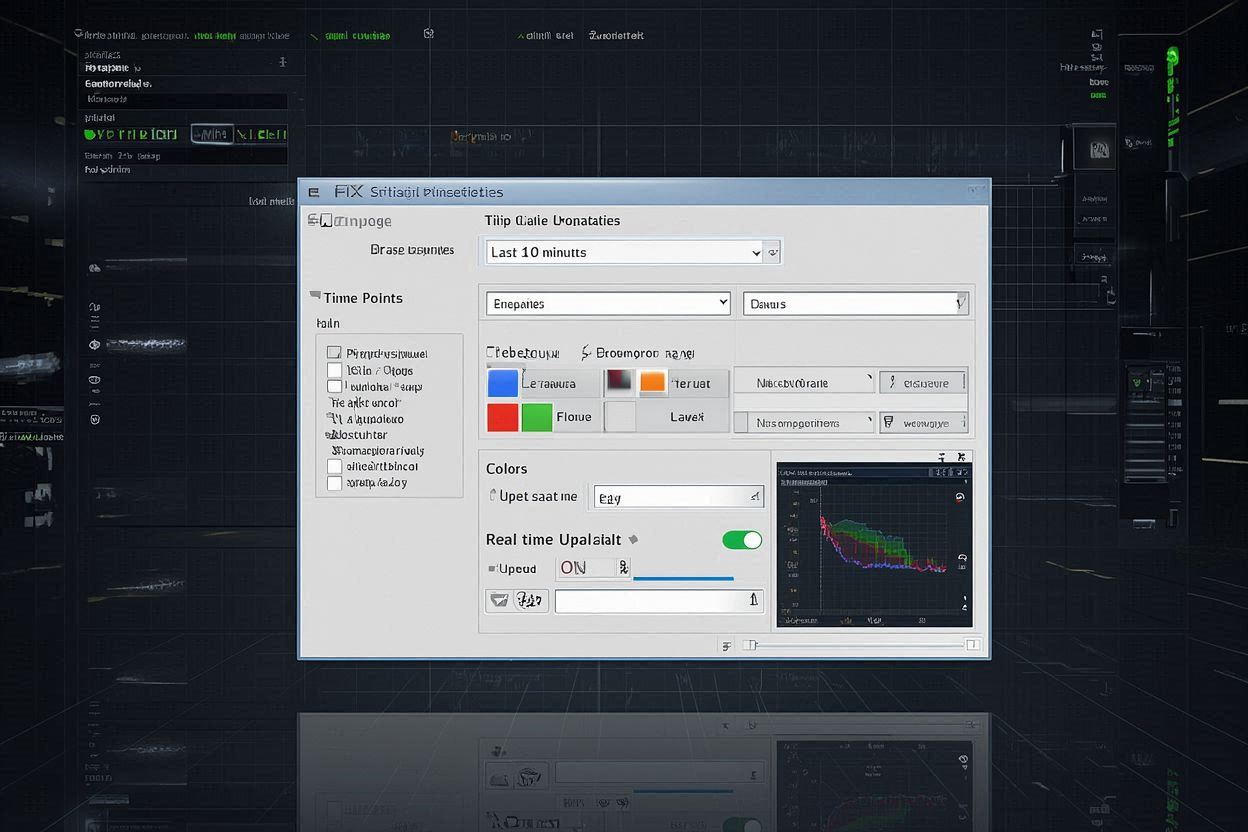
Configure the strip chart properties including time range, data points, colors, and real-time update settings for optimal industrial monitoring.
Deploy your strip chart to the iFIX runtime and test its functionality with real-time data from your industrial systems.
Practical configuration examples and real-world applications for iFIX strip charts
// iFIX Strip Chart Configuration
// Object: iFIX Trend Object
// Mode: Strip Chart
// Trend Object Properties
TrendObject.ChartType = "StripChart";
TrendObject.TimeSpan = 3600; // 1 hour
TrendObject.UpdateRate = 1000; // 1 second
TrendObject.MaxPoints = 1000;
// Data Source Setup
TrendObject.AddDataSource("Temperature", "TIC001.PV");
TrendObject.AddDataSource("Pressure", "PIC001.PV");
TrendObject.AddDataSource("Flow", "FIC001.PV");
// Real-time update function
Sub UpdateStripChart()
TrendObject.Refresh()
TrendObject.UpdateData()
End Sub
// Tag Configuration
TagConfig = {
"Temperature": {
"TagName": "TIC001.PV",
"DataType": "REAL",
"UpdateRate": 1000
},
"Pressure": {
"TagName": "PIC001.PV",
"DataType": "REAL",
"UpdateRate": 1000
}
};
This basic configuration shows how to set up a simple strip chart in iFIX with real-time data binding and automatic updates from industrial tags.
// Multi-Channel Process Strip Chart
// Supporting multiple process parameters
// Data Source Configuration:
var dataSources = {
"Temperature": {
"tags": ["TIC001.PV", "TIC002.PV", "TIC003.PV"],
"color": "Red",
"yAxis": "left"
},
"Pressure": {
"tags": ["PIC001.PV", "PIC002.PV", "PIC003.PV"],
"color": "Blue",
"yAxis": "right"
},
"Flow": {
"tags": ["FIC001.PV", "FIC002.PV", "FIC003.PV"],
"color": "Green",
"yAxis": "left"
}
};
// Trend Object Configuration:
TrendObject.ChartType = "StripChart";
TrendObject.TimeSpan = 7200; // 2 hours
TrendObject.UpdateRate = 500; // 0.5 seconds
TrendObject.MaxPoints = 2000;
TrendObject.MultipleYAxes = true;
// Real-time update function
Sub UpdateMultiChannelChart()
Dim currentTime As Date
currentTime = Now()
For Each channel In dataSources
Dim tags As Variant
tags = dataSources(channel).tags
Dim values As Variant
values = ReadTags(tags)
TrendObject.AddDataSeries(channel, currentTime, values)
Next
TrendObject.Refresh()
End Sub
// Alarm Configuration:
AlarmConfig = {
"highLimit": 100,
"lowLimit": 0,
"alarmEnabled": true,
"notificationMethod": "iFIXAlarm"
};
This advanced configuration demonstrates how to create a multi-channel strip chart with different Y-axes, multiple data sources, and real-time updates for comprehensive process monitoring.
// Advanced Strip Chart with Historical Data
// Including data archiving and historical playback
// Historical Data Configuration:
HistoricalConfig = {
"archiveEnabled": true,
"archiveInterval": 1000, // 1 second
"archiveDuration": 86400, // 24 hours
"compressionEnabled": true,
"storageLocation": "iFIXArchive"
};
// Trend Object Advanced Properties:
TrendObject.ChartType = "StripChart";
TrendObject.TimeSpan = 14400; // 4 hours
TrendObject.UpdateRate = 250; // 0.25 seconds
TrendObject.MaxPoints = 4000;
TrendObject.HistoricalData = true;
TrendObject.ArchiveAccess = true;
// Data Archiving Function:
Sub ArchiveStripChartData()
Dim currentTime As Date
currentTime = Now()
Dim data As Variant
data = ReadAllTags()
' Archive data
ArchiveManager.StoreData(currentTime, data)
' Update strip chart
TrendObject.AddDataPoint(currentTime, data)
TrendObject.Refresh()
End Sub
// Historical Playback Function:
Sub PlaybackHistoricalData(startTime As Date, endTime As Date)
Dim historicalData As Variant
historicalData = ArchiveManager.RetrieveData(startTime, endTime)
TrendObject.LoadHistoricalData(historicalData)
TrendObject.PlaybackMode = True
End Sub
// Export Configuration:
ExportConfig = {
"format": "CSV",
"timeRange": "24h",
"dataPoints": "All",
"includeHeaders": True
};
This advanced configuration includes data archiving, historical playback, and export capabilities, demonstrating iFIX's comprehensive industrial data management features.
See how iFIX strip charts are used in actual industrial applications
Process Control
Manufacturing facilities use iFIX strip charts to monitor production processes, track equipment performance, and ensure quality control in industrial operations.
Oil and Gas
Oil and gas facilities use iFIX strip charts to monitor drilling operations, track production parameters, and ensure safety compliance in hazardous environments.
Chemical Processing
Chemical processing plants use iFIX strip charts to monitor reaction processes, track chemical parameters, and ensure process safety in chemical operations.