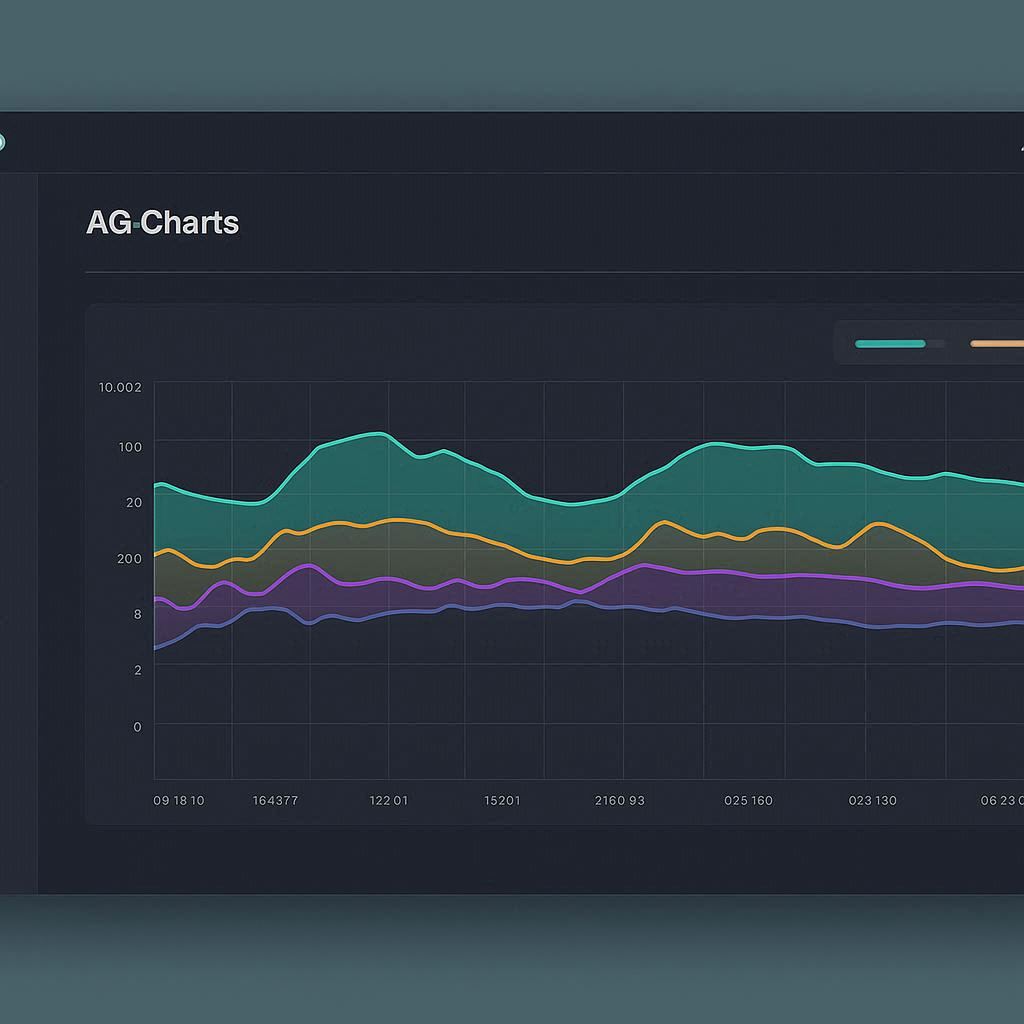
Enterprise-grade charting library for web applications
Learn about AG Charts' powerful capabilities for creating enterprise strip charts
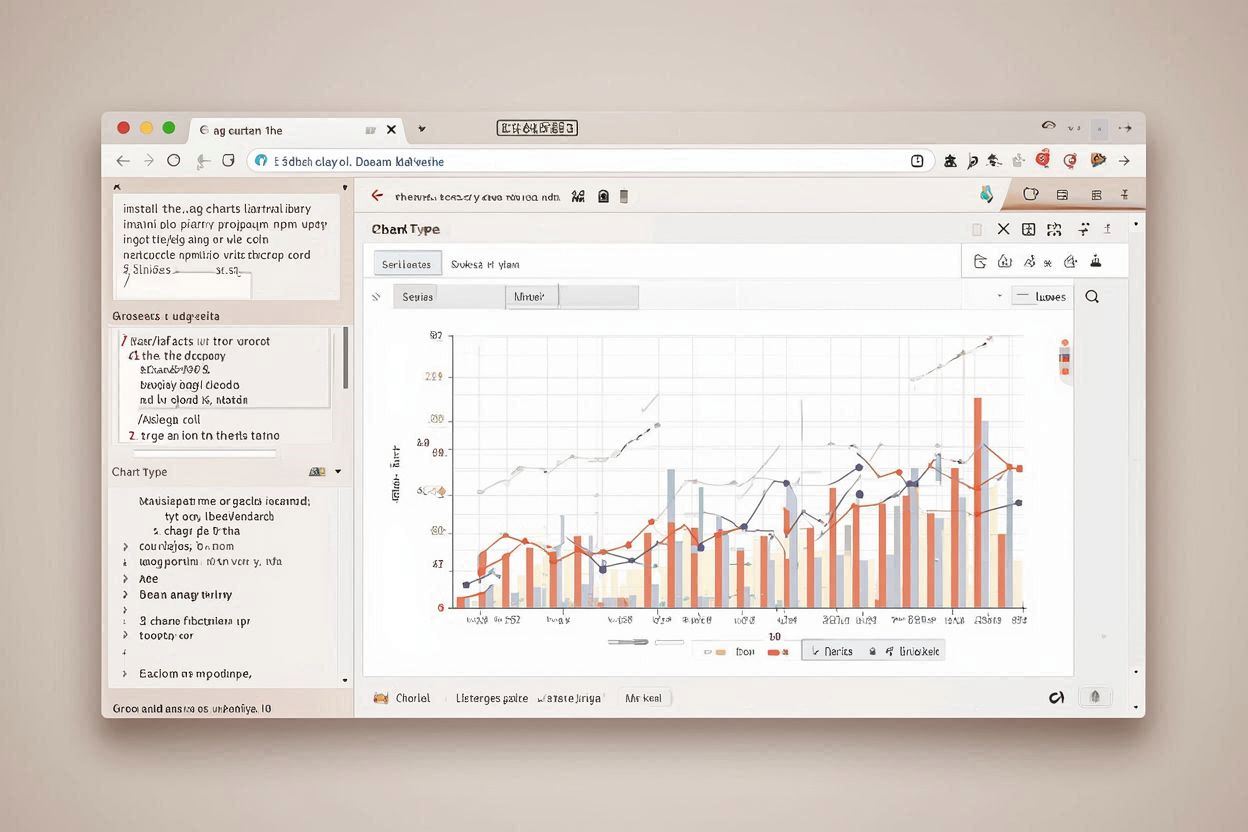
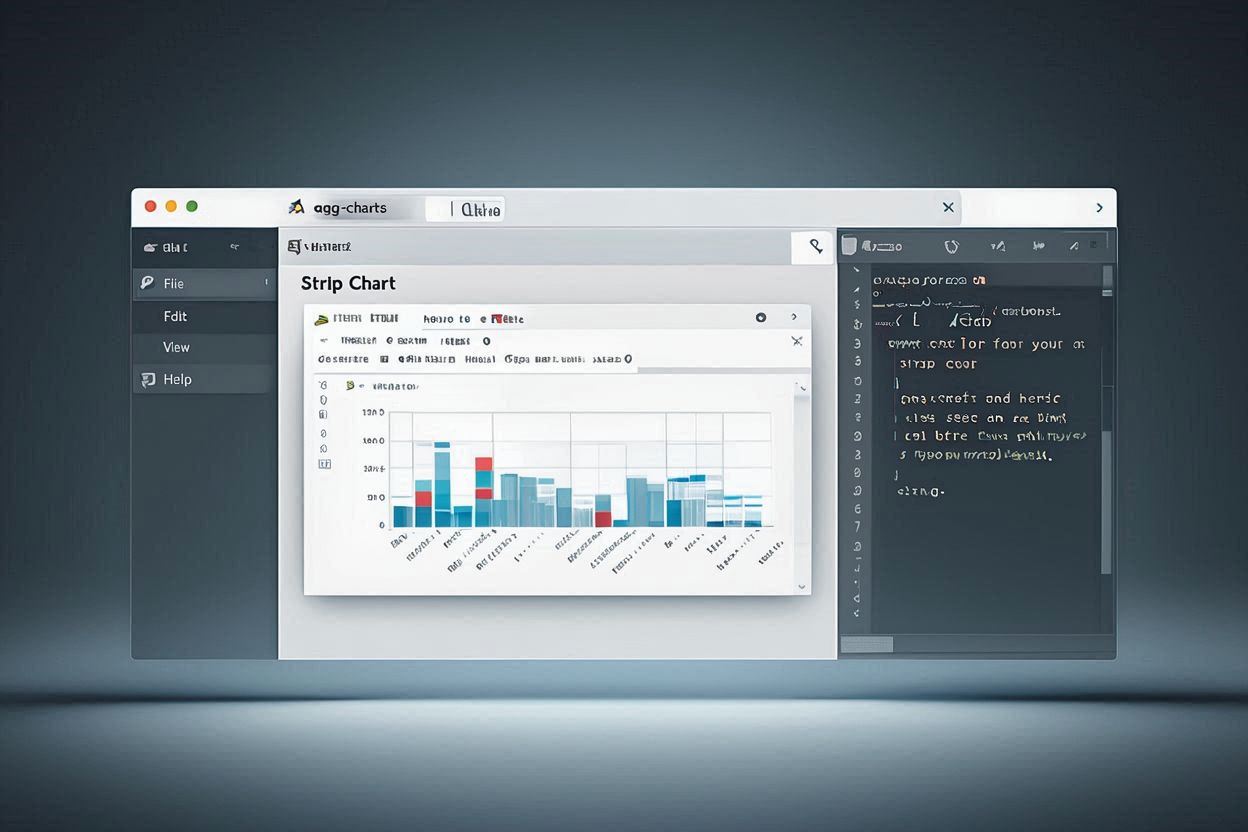
AG Charts is a powerful, enterprise-grade charting library that provides excellent strip chart capabilities for web applications. It offers high-performance rendering with extensive customization options.
Why AG Charts is the preferred choice for enterprise strip chart applications
Optimized for high-performance rendering with efficient data handling, making it ideal for large datasets and real-time strip chart applications.
Advanced interactive features including zoom, pan, hover effects, and real-time data manipulation for enhanced user experience in enterprise applications.
Built-in responsive design capabilities that automatically adapt to different screen sizes and devices for optimal viewing across all platforms.
Full TypeScript support with comprehensive type definitions, providing excellent developer experience and code maintainability for enterprise projects.
Seamless integration with popular frameworks like React, Angular, and Vue.js, making it easy to integrate into existing enterprise applications.
Professional support and documentation with enterprise-grade features, ensuring reliable operation in critical business applications.
Follow these detailed steps to create enterprise strip charts in AG Charts
Install the AG Charts library in your project using npm or include it via CDN, then set up the basic project structure.
npm install ag-charts-community
Create an HTML container element for your strip chart and set up the basic HTML structure with proper styling.
Initialize the AG Charts instance with basic configuration for strip chart functionality and real-time data updates.
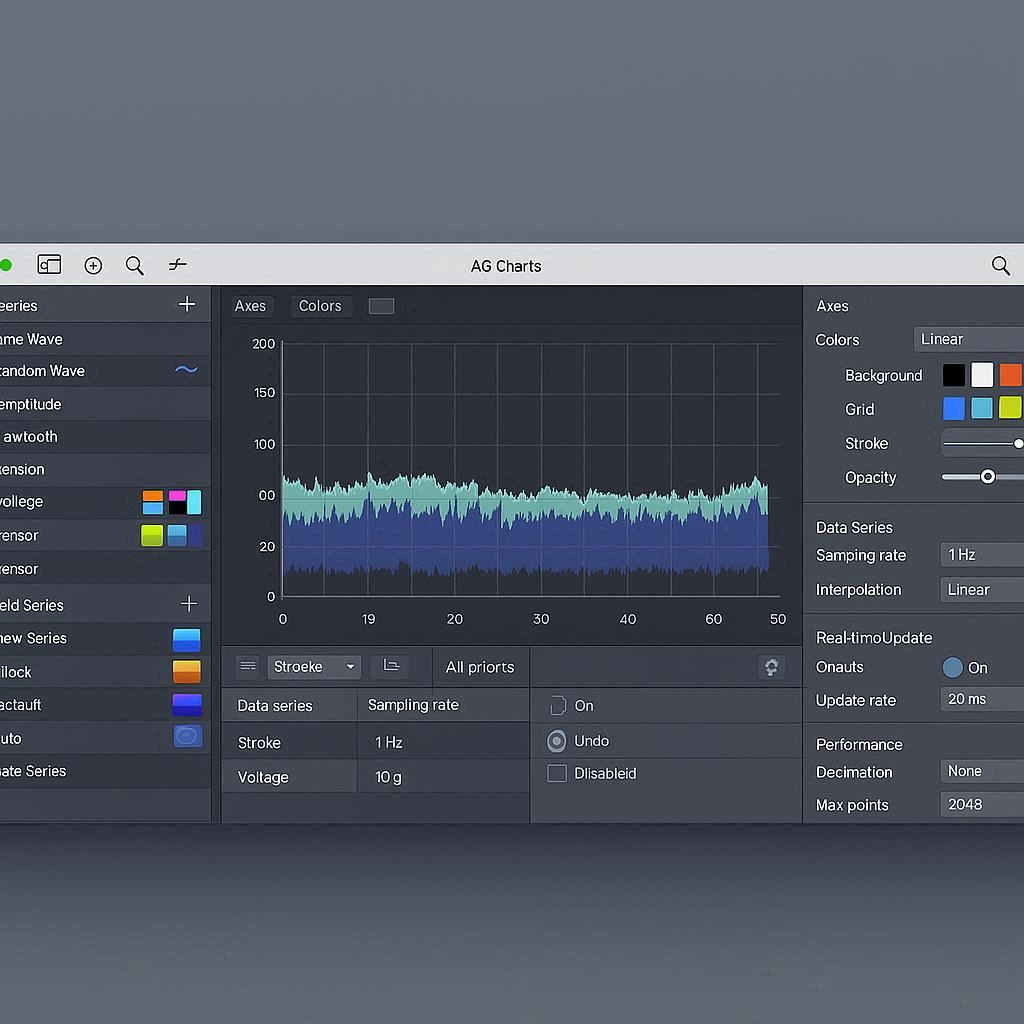
Configure the strip chart properties including data series, axes, colors, and real-time update settings for optimal performance.
Implement real-time data updates using WebSocket connections, AJAX requests, or other data sources for live strip chart visualization.
Practical code examples and real-world applications for AG Charts strip charts
// AG Charts Strip Chart Implementation
import { AgCharts } from 'ag-charts-community';
const options = {
data: [],
series: [{
type: 'line',
xKey: 'time',
yKey: 'value',
stroke: '#2563eb',
strokeWidth: 2
}],
axes: [{
type: 'time',
position: 'bottom',
title: { text: 'Time' }
}, {
type: 'number',
position: 'left',
title: { text: 'Value' }
}],
title: { text: 'Real-time Strip Chart' }
};
const chart = AgCharts.create(options);
// Real-time update function
function updateStripChart(newData) {
const currentTime = new Date();
chart.data.push({
time: currentTime,
value: newData
});
// Keep only last 1000 points
if (chart.data.length > 1000) {
chart.data.shift();
}
AgCharts.update(chart, options);
}
// Start real-time updates
setInterval(() => {
const newData = Math.sin(Date.now() * 0.001) + Math.random() * 0.5;
updateStripChart(newData);
}, 100);
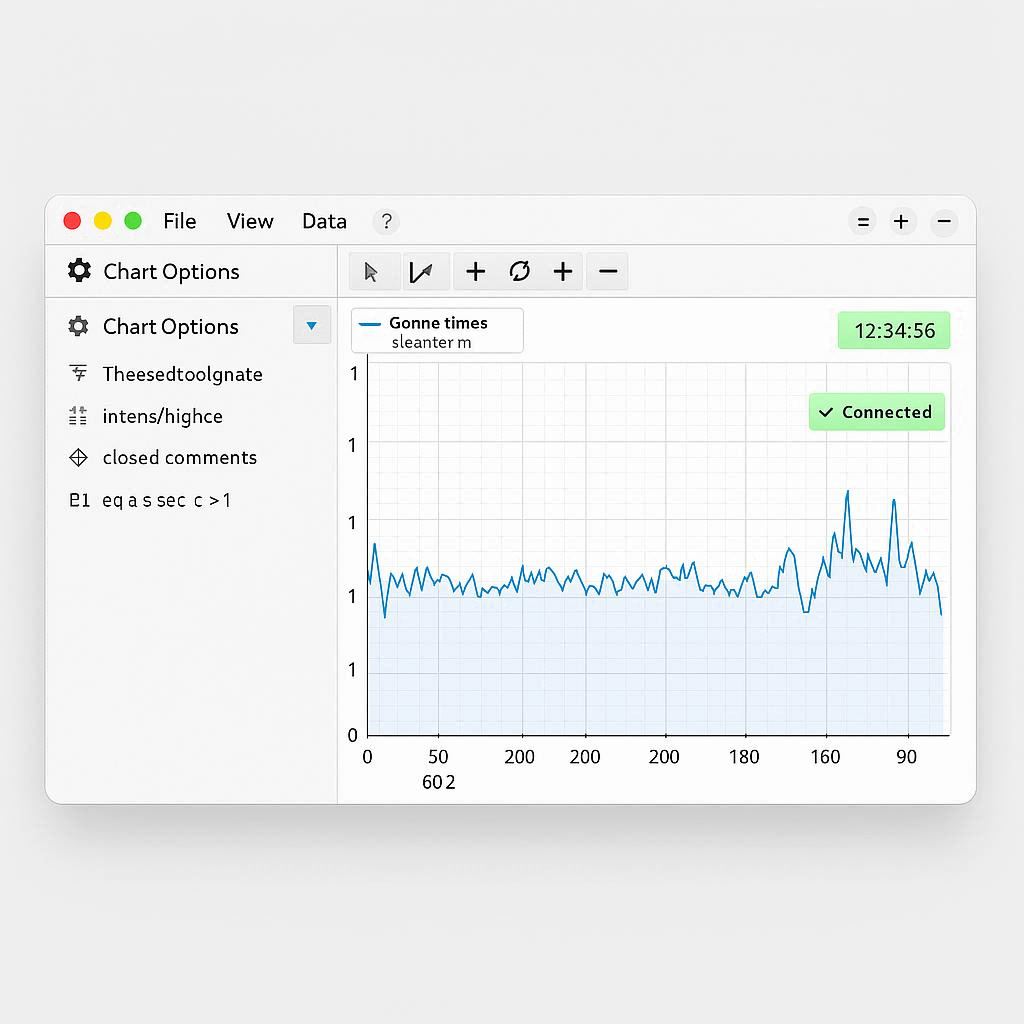
This basic implementation creates a simple strip chart using AG Charts with real-time updates. The chart automatically maintains a rolling window of data points and updates smoothly for better performance.
// Multi-Channel Enterprise Strip Chart
// Supporting multiple data channels with enterprise features
const enterpriseOptions = {
data: [],
series: [
{
type: 'line',
xKey: 'time',
yKey: 'temperature',
stroke: '#ef4444',
strokeWidth: 2,
yName: 'Temperature'
},
{
type: 'line',
xKey: 'time',
yKey: 'pressure',
stroke: '#3b82f6',
strokeWidth: 2,
yName: 'Pressure'
},
{
type: 'line',
xKey: 'time',
yKey: 'flow',
stroke: '#10b981',
strokeWidth: 2,
yName: 'Flow Rate'
}
],
axes: [{
type: 'time',
position: 'bottom',
title: { text: 'Time' }
}, {
type: 'number',
position: 'left',
title: { text: 'Temperature (°C)' }
}, {
type: 'number',
position: 'right',
title: { text: 'Pressure (bar)' }
}],
title: { text: 'Multi-Channel Industrial Monitoring' },
legend: { position: 'bottom' }
};
const enterpriseChart = AgCharts.create(enterpriseOptions);
// Multi-channel update function
function updateMultiChannelChart(temperature, pressure, flow) {
const currentTime = new Date();
enterpriseChart.data.push({
time: currentTime,
temperature: temperature,
pressure: pressure,
flow: flow
});
// Keep only last 2000 points
if (enterpriseChart.data.length > 2000) {
enterpriseChart.data.shift();
}
AgCharts.update(enterpriseChart, enterpriseOptions);
}
This enterprise implementation demonstrates how to create a multi-channel strip chart with different Y-axes, multiple data series, and professional styling suitable for industrial monitoring applications.
// Advanced Strip Chart with Analytics
// Including statistical analysis and interactive features
const advancedOptions = {
data: [],
series: [{
type: 'line',
xKey: 'time',
yKey: 'value',
stroke: '#2563eb',
strokeWidth: 2,
marker: {
enabled: false
}
}, {
type: 'line',
xKey: 'time',
yKey: 'trend',
stroke: '#ef4444',
strokeWidth: 1,
strokeDasharray: [5, 5]
}],
axes: [{
type: 'time',
position: 'bottom',
title: { text: 'Time' },
tick: { count: 10 }
}, {
type: 'number',
position: 'left',
title: { text: 'Value' }
}],
title: { text: 'Advanced Analytics Strip Chart' },
background: { fill: '#f8fafc' },
padding: { top: 20, right: 20, bottom: 20, left: 20 }
};
const advancedChart = AgCharts.create(advancedOptions);
// Advanced analytics function
function updateAdvancedStripChart(newData) {
const currentTime = new Date();
// Calculate moving average
const windowSize = 10;
const recentData = advancedChart.data.slice(-windowSize);
const movingAverage = recentData.reduce((sum, point) => sum + point.value, 0) / recentData.length;
advancedChart.data.push({
time: currentTime,
value: newData,
trend: movingAverage
});
// Keep only last 5000 points
if (advancedChart.data.length > 5000) {
advancedChart.data.shift();
}
AgCharts.update(advancedChart, advancedOptions);
}
// Add interactive features
advancedChart.addEventListener('click', (event) => {
console.log('Chart clicked:', event);
});
// Export functionality
function exportChart() {
const canvas = advancedChart.scene.canvas;
const dataURL = canvas.toDataURL('image/png');
const link = document.createElement('a');
link.download = 'strip-chart.png';
link.href = dataURL;
link.click();
}
This advanced implementation includes statistical analysis, interactive features, and export capabilities, demonstrating AG Charts' comprehensive enterprise features for sophisticated data visualization.
See how AG Charts strip charts are used in actual enterprise applications
Financial Analytics
Financial institutions use AG Charts strip charts to display real-time market data, stock prices, and trading metrics for investment analysis and trading platforms.
IoT Monitoring
IoT platforms use AG Charts strip charts to monitor sensor data, track device performance, and visualize real-time data from connected devices.
Business Intelligence
Enterprise applications use AG Charts strip charts to visualize business metrics, track KPIs, and provide real-time insights for decision-making.